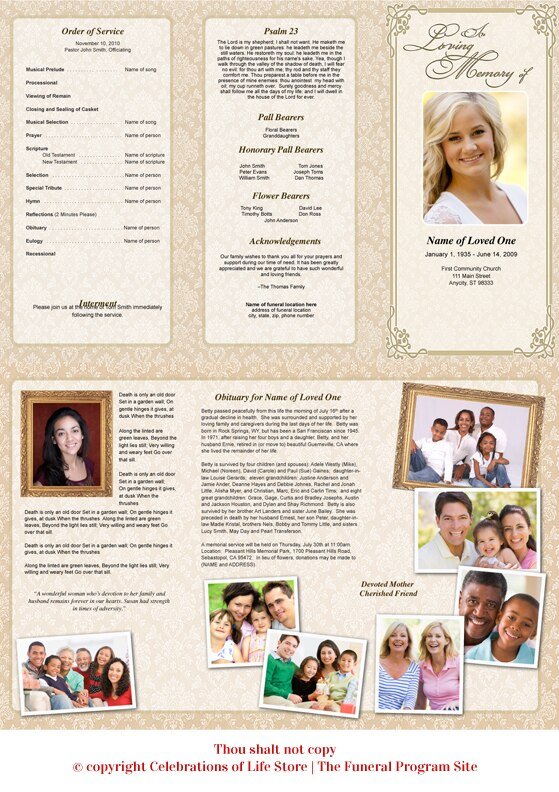
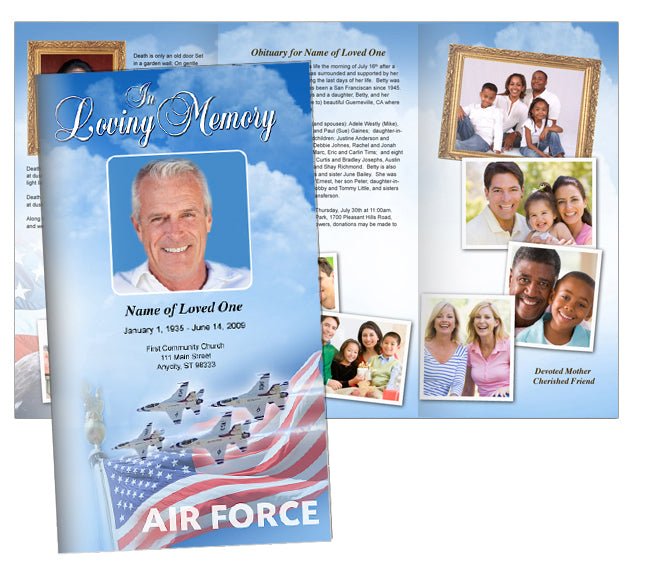
How to Fold a Tri Fold Brochure Program: The Complete Step-by-Step Guide
Learning how to fold a trifold brochure is an essential skill for anyone creating event programs, marketing materials, or informational handouts. A well-folded brochure not only looks professional but also ensures your content is presented in a clear, organized manner. In this comprehensive guide, we’ll show you exactly how to fold a tri fold brochure program, share expert tips, and provide helpful resources—including videos and a podcast—to help you achieve perfect results every time.
Watch the Full Video
Understanding the Tri Fold Brochure Program
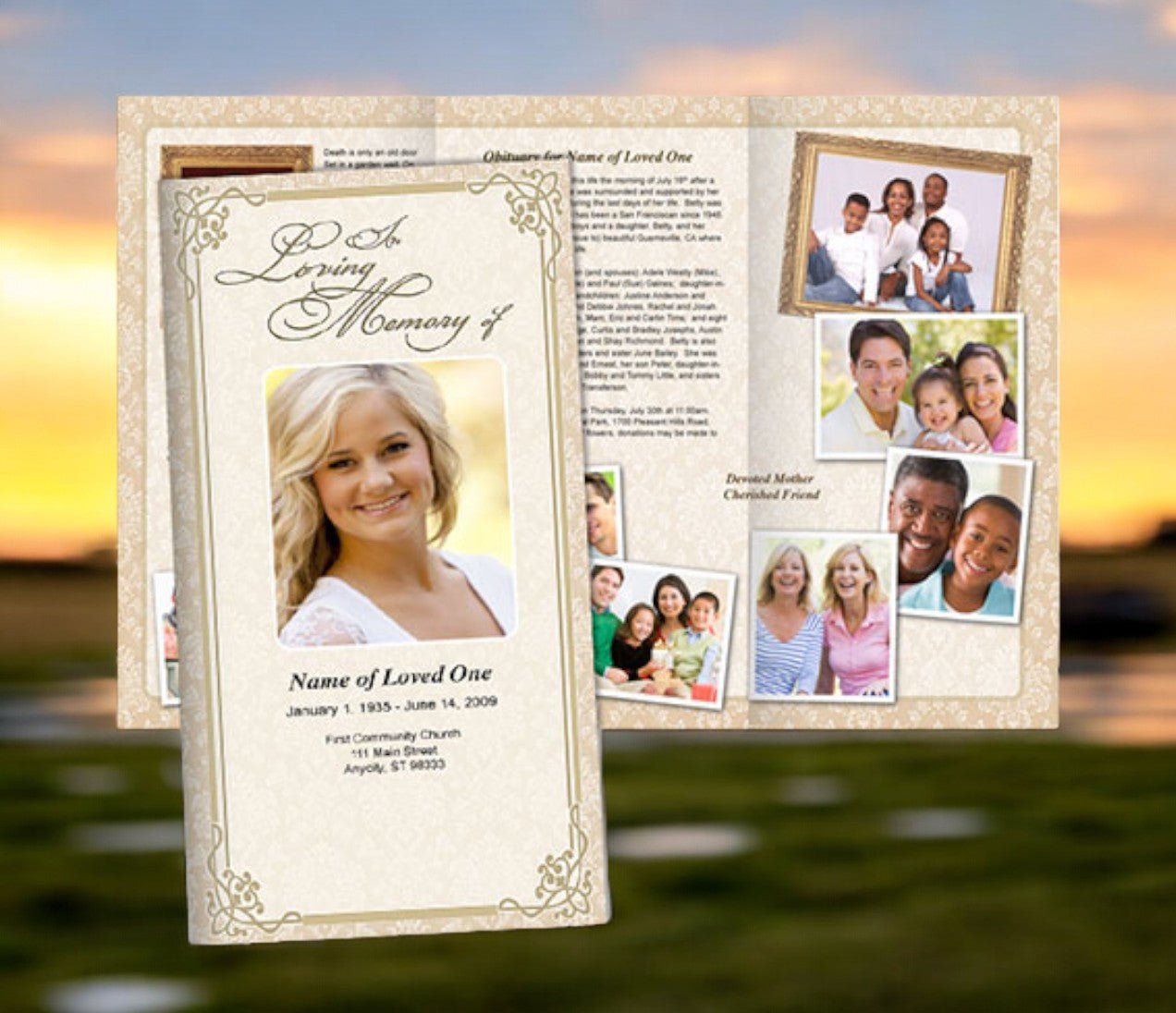
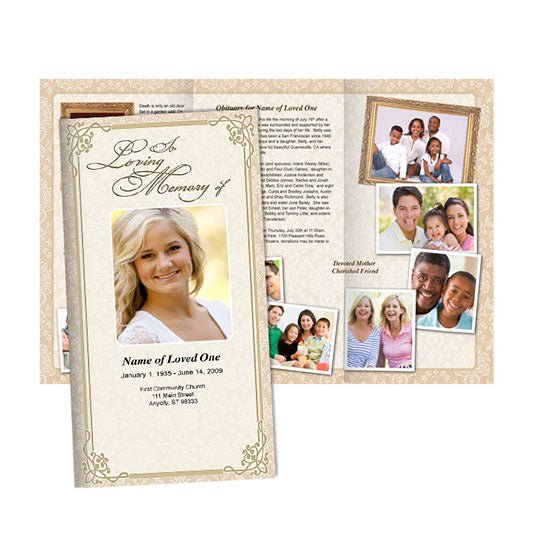
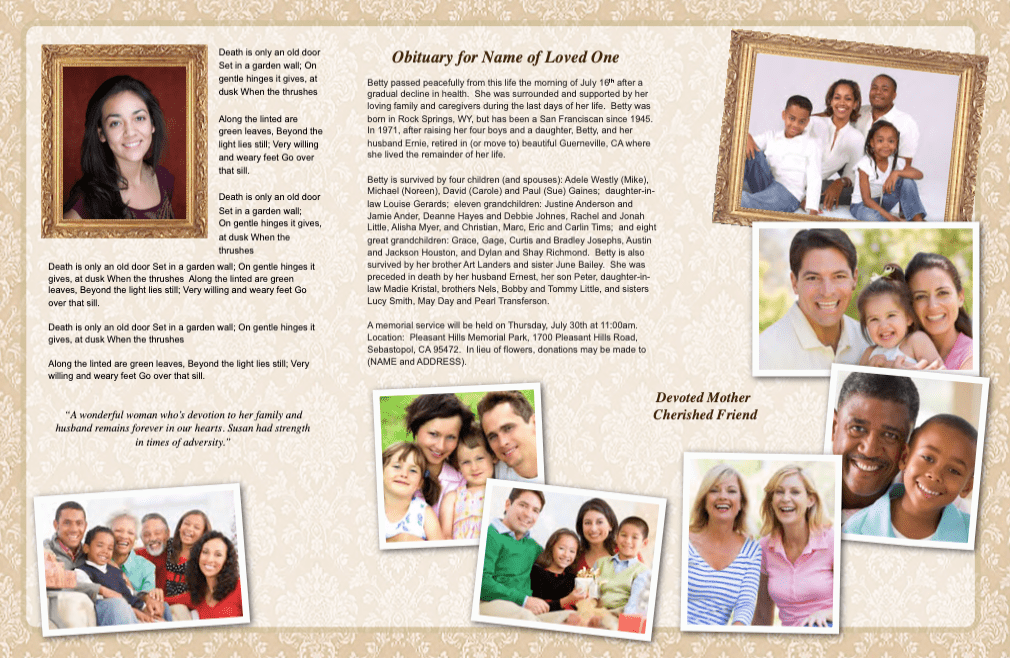
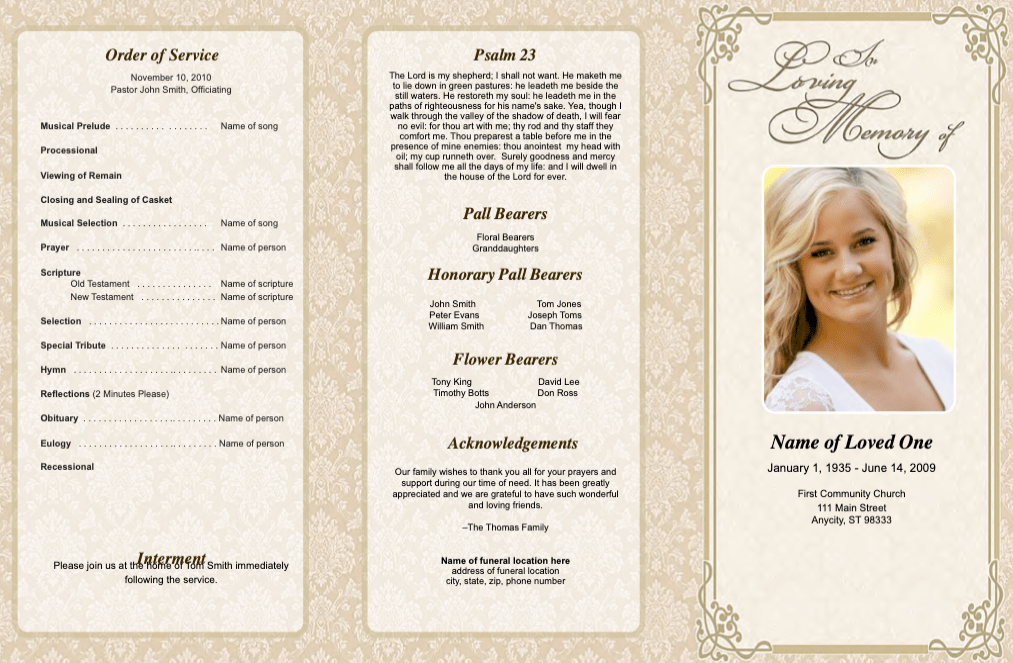
A tri fold brochure program is a single sheet of paper folded twice to create three distinct panels. This format is widely used for event programs, promotional brochures, and informational leaflets because it allows you to organize content into logical sections. Each panel can serve a specific purpose, such as an introduction, main content, and contact details, making it easy for readers to navigate your information.
Why Folding a Trifold Brochure Correctly Matters
Properly folding a trifold brochure is crucial for several reasons. First, it ensures your panels align perfectly, giving your brochure a polished, professional appearance. Second, it helps your audience follow the content in the intended order. Finally, a well-folded brochure is easier to handle, distribute, and store. Taking the time to fold your brochure accurately can make a significant difference in its impact and effectiveness.
Step-by-Step Instructions: How to Fold a Trifold Brochure
- Prepare Your Brochure: Print your brochure on high-quality paper. Double-check that your design is set up for a trifold layout, with each panel correctly oriented.
- Identify the Panels: Lay the brochure flat with the printed side facing down. The right panel will be folded in first, followed by the left panel over the top.
- Make the First Fold: Take the right panel and fold it inward along the first crease. Align the edge carefully with the fold line for a clean edge.
- Make the Second Fold: Fold the left panel over the right panel, aligning the edges precisely. Press down to create a crisp, sharp fold.
- Check Alignment: Ensure all edges are even and the brochure closes neatly. Adjust as needed for a perfect finish.
Expert Tips for Folding a Trifold Brochure
- Use a Bone Folder: A bone folder or similar tool helps create sharp, clean folds without damaging the paper.
- Pre-Score the Paper: Lightly score the fold lines with a ruler and scoring tool for more precise folding and to prevent cracking.
- Practice on Scrap Paper: Before folding your final brochures, practice on scrap paper to perfect your technique and avoid costly mistakes.
Common Mistakes to Avoid When Folding a Trifold Brochure
| Mistake | How to Avoid |
|---|---|
| Misaligned Panels | Carefully align edges before creasing each fold. |
| Cracked Paper | Use quality paper and fold gently with a bone folder. |
| Incorrect Panel Order | Double-check your design layout before printing. |
Helpful Resources for Folding a Trifold Brochure
- For a detailed demonstration, watch our long video tutorial on how to fold a trifold brochure program.
- Explore more folding tips and templates on our brand page.
- Subscribe to our YouTube channel for regular updates and tutorials.
Frequently Asked Questions
- What size paper is best for a trifold brochure? The most common size is 8.5" x 11", but you can use other sizes depending on your needs.
- Can I fold brochures by hand or should I use a machine? For small batches, folding by hand is fine. For larger quantities, a folding machine ensures consistency and saves time.
- How do I ensure my design prints correctly? Use a template and preview your design before printing to ensure proper panel alignment and orientation.
Quick Tips (Short Videos)
|
|
|
More Support and Resources
- Still have questions? view the Google Doc version for a concise summary.
- Access additional templates and folding guides on our brand support page.
Conclusion
Mastering how to fold a trifold brochure program is a simple yet powerful way to elevate your printed materials. With the right technique, tools, and a bit of practice, you can ensure every brochure you create looks polished and professional. Don’t forget to check out our video tutorials, podcast, and support resources for even more tips and inspiration. Happy folding!