Can I Add Photos and Videos to an Online Funeral Program?

When planning a memorial service, many families want the program to reflect the life and personality of their loved one. In today’s digital age, online funeral programs have transformed the way we create and share these tributes. One of the most common questions people ask is: Can I add photos and videos to an online funeral program? The answer is yes—and doing so can create a deeply meaningful experience for attendees.
This guide explores how to incorporate photos and videos into your digital funeral program, why it matters, and how The Funeral Program Site provides the tools to make it effortless.
Why Include Photos and Videos in a Funeral Program?
Memories live on through the images and videos that capture life’s most cherished moments. Adding these elements to an online program offers:
-
Personalization: Tailor the program to celebrate unique memories.
-
Emotional Connection: Visuals provide comfort and spark conversation.
-
Accessibility: Share videos and photo galleries with friends and family who cannot attend in person.
-
Keepsake Value: Digital programs with media links become lasting treasures.
By blending visual and interactive elements, online programs go beyond the limitations of printed material.
How to Add Photos to an Online Funeral Program
1. Use Templates Designed for Images
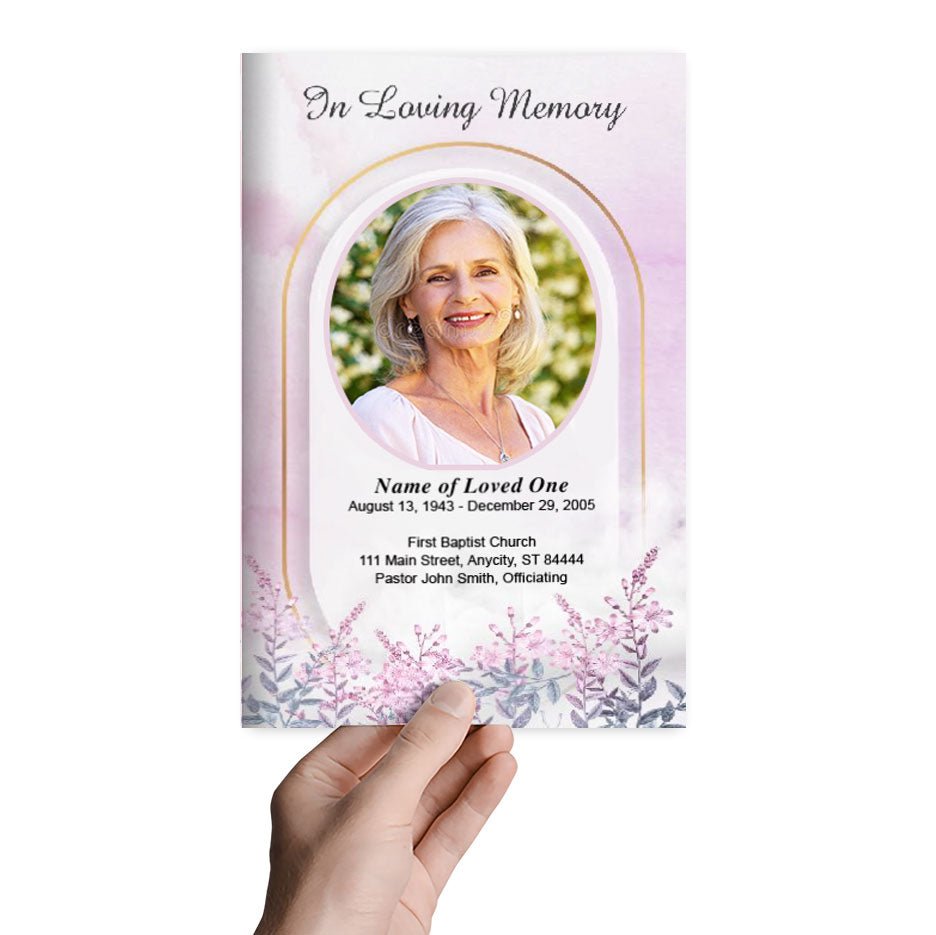
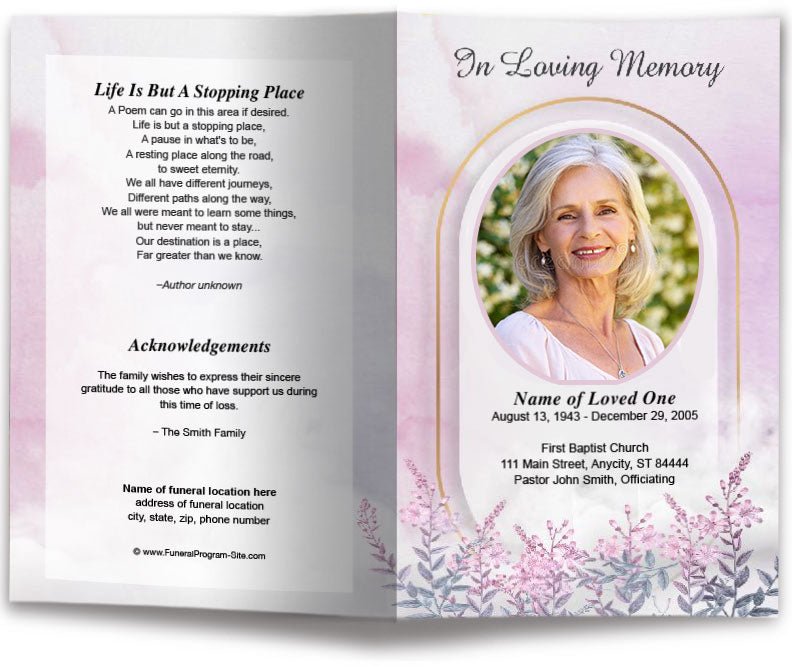
Choose templates that allow multiple photo placements, such as collages or themed layouts. The Funeral Program Site offers a variety of designs with built-in photo areas, making customization simple.
2. Prepare High-Resolution Images
Low-quality or pixelated photos can detract from the program’s appearance. Use high-resolution images for the best results.
3. Insert Photos in Key Sections
Common places for photos include:
-
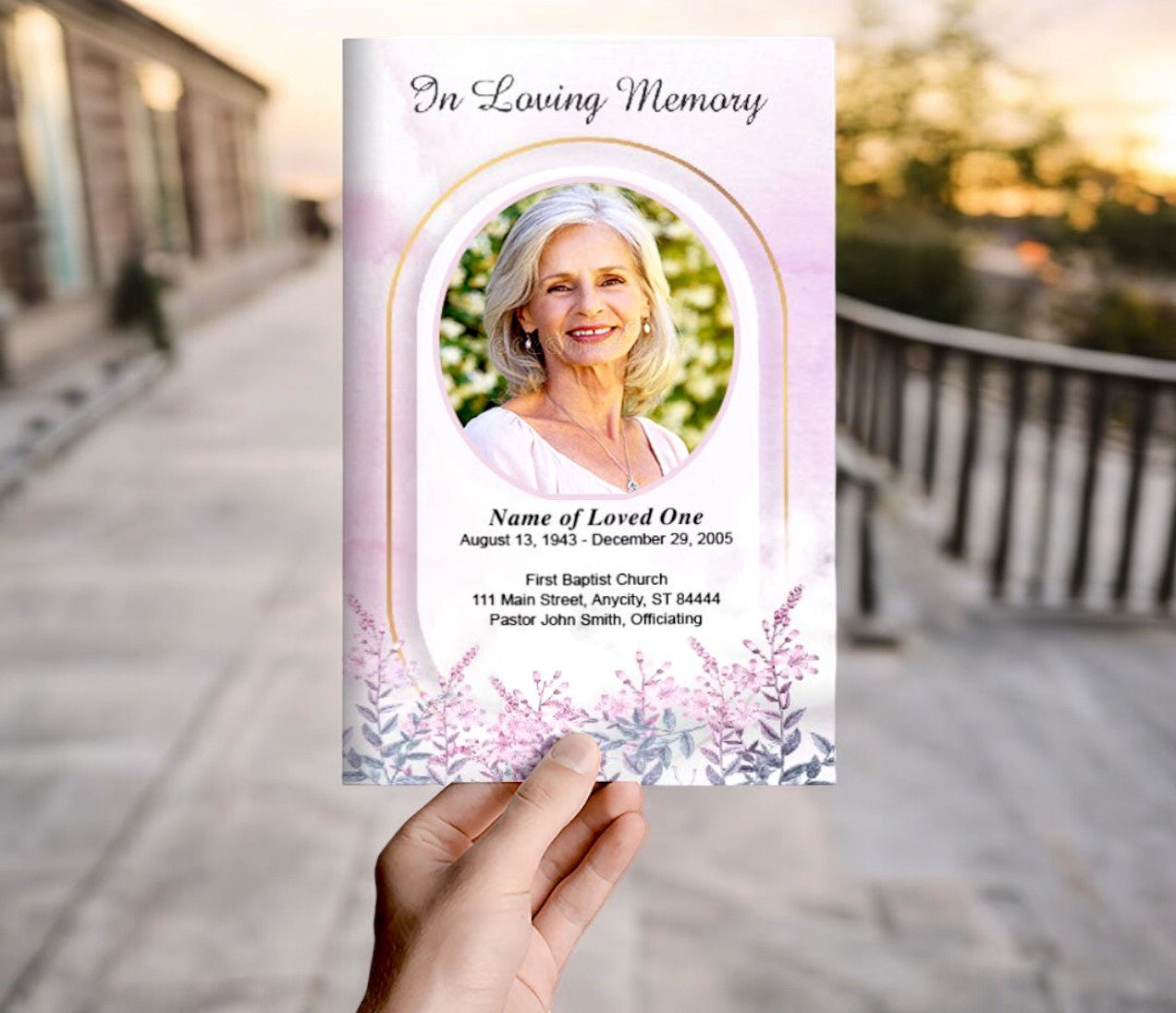
Front Cover: A favorite portrait.
-
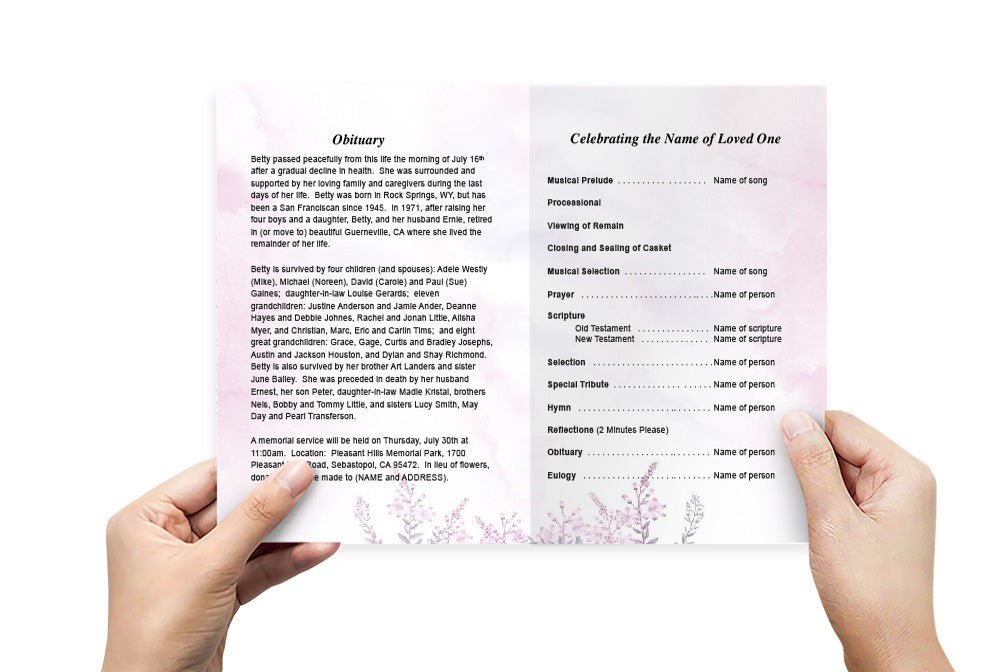
Inside Pages: A collage of childhood, milestones, and family memories.
-
Back Cover: A closing image or nature scene.
Templates from The Funeral Program Site make these steps intuitive, even for those with minimal design experience.
Can You Add Videos to an Online Funeral Program?
Yes—but because video cannot be embedded in a printed piece, it is usually included via a link or QR code in the digital version. Here’s how:
1. Upload Videos to a Hosting Platform
Use platforms like YouTube (unlisted), Vimeo, or Google Drive to upload the tribute video, slideshow, or recorded service.
2. Create a Shareable Link
Most platforms allow you to copy a URL for easy sharing.
3. Add the Link or QR Code to Your Program
Include a section titled “Tribute Video” or “View Our Memorial Slideshow.” Insert the clickable link in your PDF or create a QR code for guests to scan.
This feature makes your online funeral program interactive and memorable.
Best Practices for Adding Photos and Videos
-
Organize Chronologically: Tell the life story in sequence.
-
Limit File Size: Large media files can make PDFs hard to email. Use compressed images and external video links.
-
Choose Meaningful Content: Select photos and videos that highlight relationships, accomplishments, and joyful moments.
-
Proof Before Sharing: Ensure all links work and images are aligned properly.
Tools to Make It Easy
The Funeral Program Site specializes in customizable templates compatible with Word, Publisher, and online platforms. Their designs make it easy to insert multiple photos, and they offer guidance for incorporating QR codes or video links.
With instant downloads and professional layouts, families can create a polished tribute without design skills. Additional benefits include:
-
Matching memorial items like bookmarks and prayer cards
-
Professional printing services for those who need physical copies
-
Guidance on integrating media for a personalized experience
Why Adding Media Creates a Lasting Impact
Incorporating photos and videos transforms a funeral program from a simple informational document into a celebration of life. It allows attendees—both in person and virtual—to experience the essence of the loved one being honored. Whether viewed at the service or later on, these elements provide comfort, spark storytelling, and help preserve memories for generations.
Final Thoughts
So, can you add photos and videos to an online funeral program? Absolutely. By using platforms like The Funeral Program Site, you can create an interactive and visually rich tribute that goes beyond traditional printed programs. From photo collages to video links, these features make your memorial program a meaningful keepsake that connects family and friends, wherever they are.
Author Bio
Christi Anderson is the founder of The Funeral Program Site and an experienced author passionate about helping families create personalized memorials. She has published multiple resources on funeral planning, all available on her Amazon Author Page. Her mission is to provide tools that make the memorial process easier and more meaningful.