Can I Print Memorial Cards at Home?

When planning a funeral or memorial service, many families want to create beautiful and meaningful keepsakes such as memorial cards. One common question is whether these cards can be printed at home. The short answer is yes—printing memorial cards at home is possible and can be a cost-effective, convenient option. However, it does require proper planning, the right materials, and some attention to detail.
In this guide, we’ll explore what you need to successfully print memorial cards at home, the advantages and disadvantages, and tips for achieving professional-quality results.
What Are Memorial Cards?
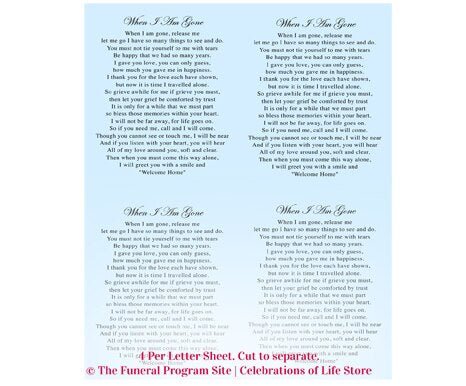
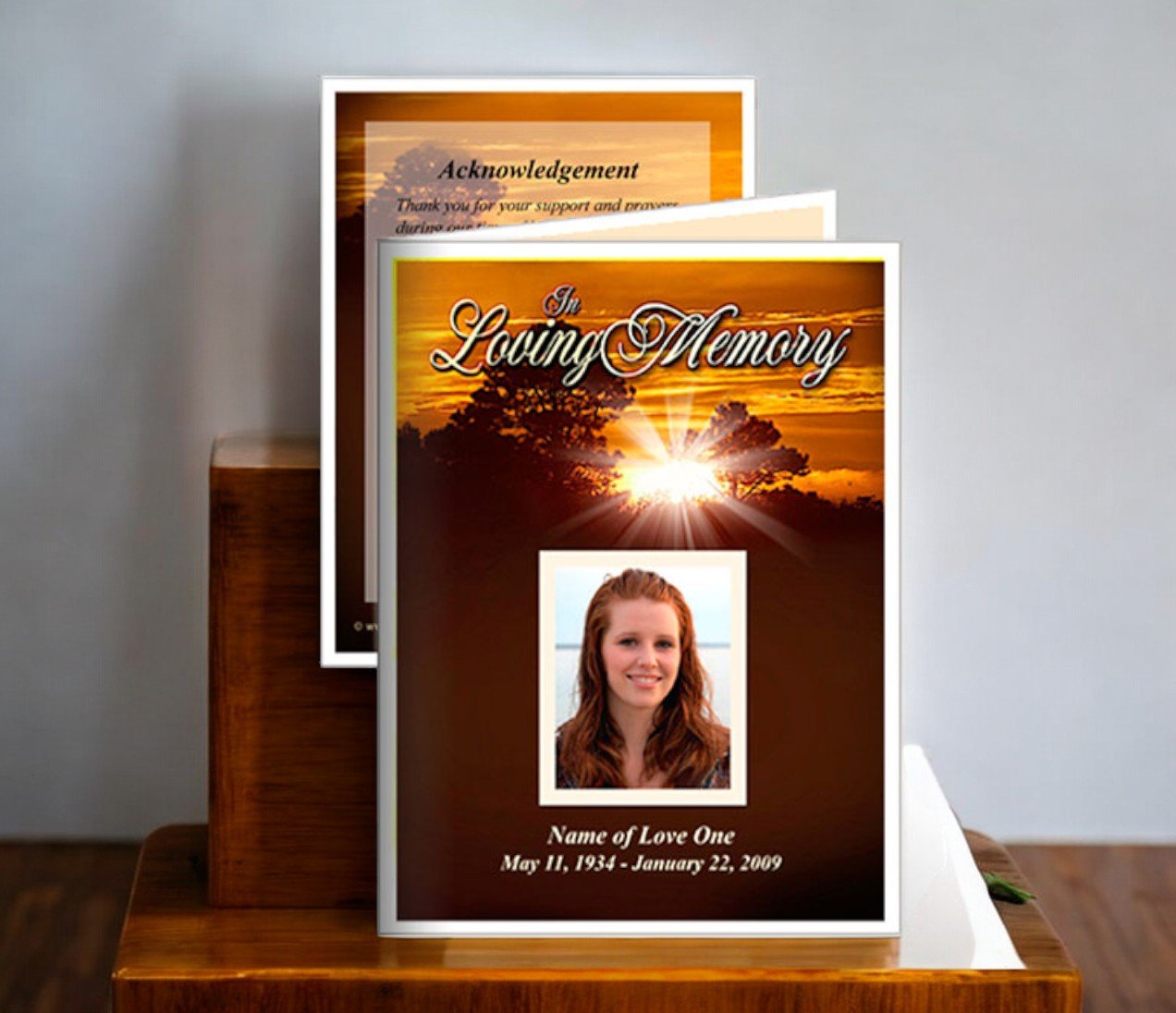
Memorial cards are small keepsakes distributed during funeral or memorial services to honor a loved one. They usually feature the name of the deceased, birth and passing dates, and often include a photograph along with a prayer, poem, or meaningful quote. Because these cards serve as cherished mementos, quality matters. Families who choose to print at home often want the cards to look as polished as those produced by professional printers.
To view examples and customizable designs, check out these memorial cards.
Can You Print Memorial Cards at Home?
Yes, you can print memorial cards at home using your own printer and supplies. This option is popular for families who:
-
Prefer to save money on printing services.
-
Need cards quickly and cannot wait for shipping.
-
Want full control over the design and production process.
Printing at home can deliver excellent results if you follow best practices and use quality materials.
What Do You Need to Print Memorial Cards at Home?
1. A Reliable Printer
An inkjet or laser printer with high-resolution capability is essential for printing photos and graphics clearly. Inkjet printers generally provide superior color quality for images, making them a popular choice for memorial cards.
2. Quality Paper
Choose heavy cardstock for durability and a professional finish. Glossy paper enhances photo quality, while matte paper offers a classic, elegant look. Most families select paper weights between 80 lb and 100 lb for memorial cards.
3. Professional Template
Using a pre-designed template simplifies the process and ensures proper sizing and alignment. Templates can be downloaded and edited easily, allowing you to add photos, names, and personal messages. Explore ready-to-edit designs here: memorial cards.
4. High-Resolution Photos
To avoid pixelation, select a clear, high-resolution photo for the front of the card. Poor-quality images will appear blurry when printed.
5. Sharp Cutting Tools
After printing, you’ll need a paper cutter or trimmer to achieve clean, straight edges. Scissors are not recommended for precision cutting.
Steps for Printing Memorial Cards at Home
-
Select a Template
Choose a design that matches your service theme and personal style. -
Customize the Layout
Add essential details such as the loved one’s name, birth and passing dates, a photo, and any quotes or prayers. -
Adjust Printer Settings
Set the printer to high-quality or photo mode. Select the correct paper type in the settings (cardstock or photo paper). -
Print a Test Copy
Before printing in bulk, produce a single copy to check colors, alignment, and text clarity. -
Cut and Assemble
If printing multiple cards on one sheet, use a cutting tool for accurate sizing. For folded cards, score the fold line before bending to prevent cracks.
Advantages of Printing at Home
-
Cost Savings: Avoid professional printing fees.
-
Flexibility: Make last-minute edits and print extra copies if needed.
-
Immediate Results: No waiting for shipping or production delays.
Disadvantages of Printing at Home
-
Time-Consuming: Designing, printing, and cutting can take hours.
-
Equipment Limitations: Basic printers may struggle with heavy cardstock.
-
Ink Costs: High-quality color printing can use a lot of ink.
If you want a professional finish without the hassle, you can always combine both approaches: design at home, then use a local print shop for final production.
Tips for Professional Results at Home
-
Use premium ink cartridges for vibrant colors.
-
Let ink dry fully before handling glossy prints.
-
Print on standard sizes (such as 8.5" x 11") and cut down to traditional card dimensions (2.5" x 4.25").
-
Always preview your design before printing the full batch.
Why Consider Professional Printing?
While printing at home works for many families, professional printing ensures flawless results with less effort. Services like The Funeral Program Site offer expertly designed templates and high-quality printing on premium paper, shipped quickly for time-sensitive needs.
Final Thoughts
Yes, you can print memorial cards at home—and with the right tools, templates, and techniques, they can look beautiful and professional. This option gives families full control over the design process while offering cost savings and convenience. If you’re ready to create your own cards, start by exploring these memorial cards for templates that make the process simple and stress-free.
About the Author
Christi Anderson is the founder of The Funeral Program Site, the leading provider of memorial templates and products. With over a decade of experience in the funeral industry, Christi has helped thousands of families create meaningful keepsakes that honor loved ones with dignity. She is also the author of four books on funeral printed memorials, offering guidance on design and personalization.
Discover her works on her Amazon Author Page, where she shares expert tips on creating funeral programs, bookmarks, prayer cards, and memorial cards. Christi’s mission is to provide families with practical tools and compassionate support during life’s most difficult moments.