Funeral Program Site Brochures: Honors, Clarity & Compassionate Design

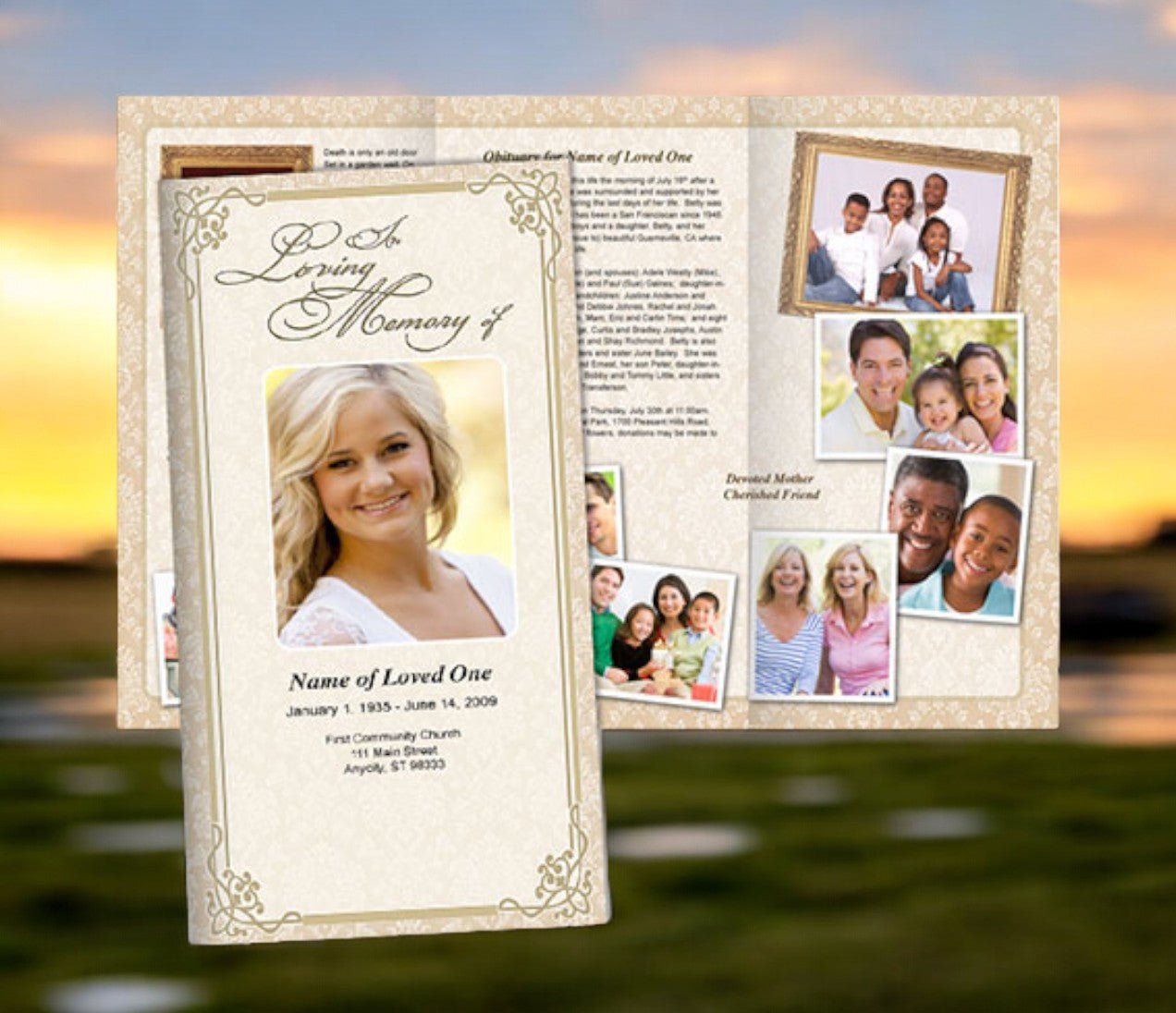
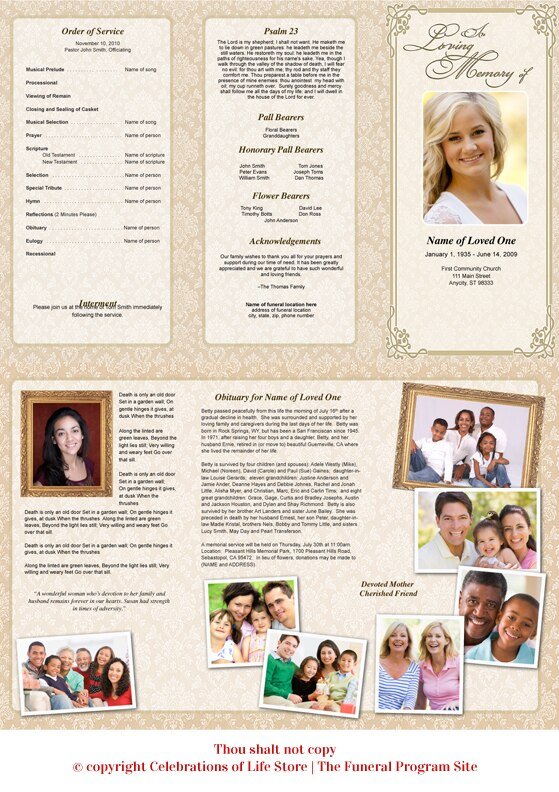
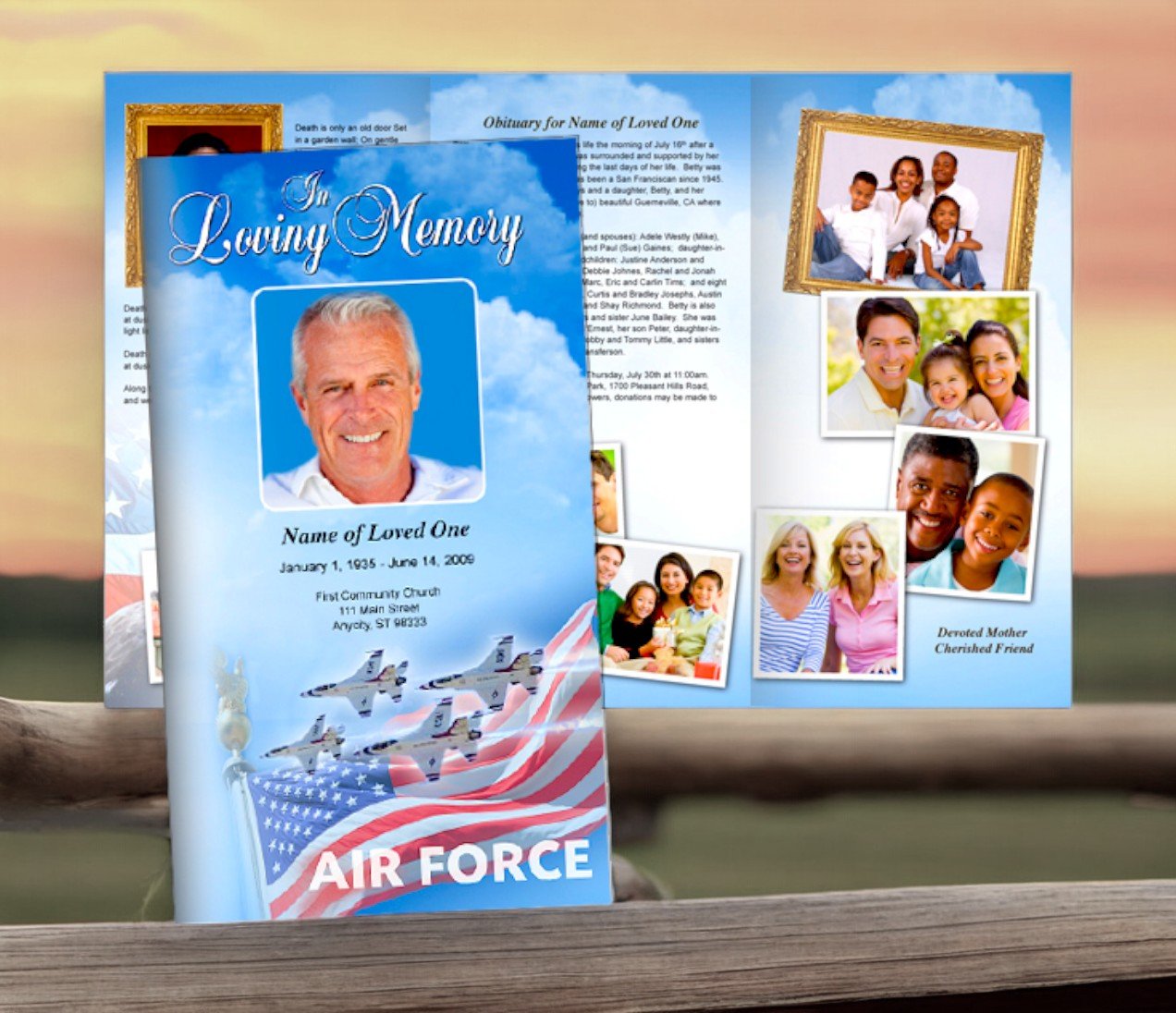
Funeral brochures serve many purposes. They guide guests through the ceremony, preserve memories, and provide a keepsake that people may hold for years. A well-crafted brochure balances information, aesthetics, and respect. With advance planning and good tools, you can create a booklet that deeply honors your loved one and supports those who attend. Through the designs and planning tools shared (e.g., your spreadsheet and mockup drawing), you can bring structure, consistency, and care into the process.
Why Funeral Brochures Matter
-
Guidance during ceremony: Clear order of service helps guests follow along—what’s coming next, who speaks, when music or readings will occur.
-
Memory preservation: Obituaries, photos, quotes, and life sketches turn a brochure into more than logistics—into a tribute of what was lived.
-
Comfort & healing: The act of designing, reflecting on life, choosing memories can be part of the grieving process. For guests, reading the program can bring comfort.
-
Keepsake value: After the service, brochures are often kept in family albums or memory boxes. Having material quality, thoughtful layout, and evocative content can give them lasting value.
Key Components of a Strong Brochure
Drawing from best practices (what many services like Funeral Program Site recommend) and using your planning tools, here are essential components a good funeral brochure should include:
-
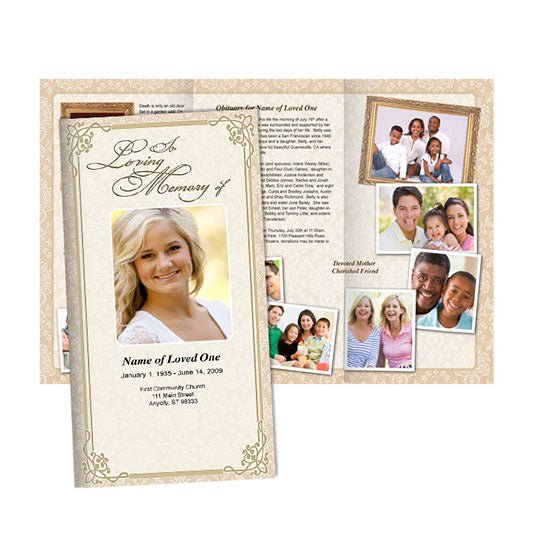
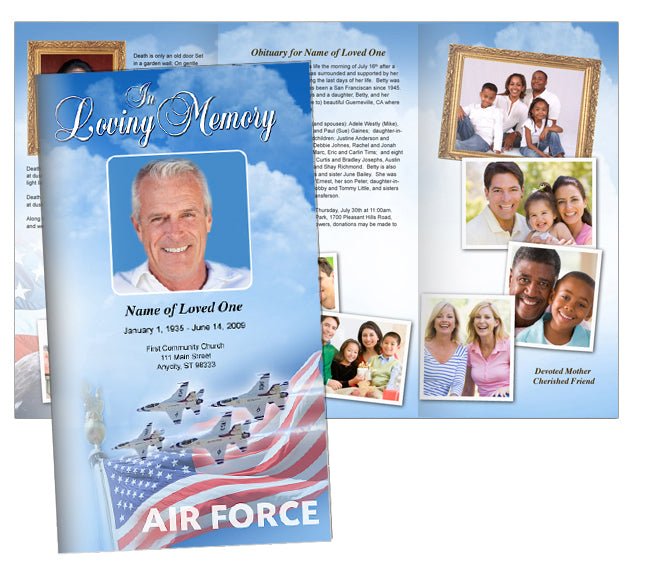
Cover / Front Panel
-
Full name (including nicknames or middle names if meaningful)
-
Dates of birth and passing
-
A photograph or image that captures something of the person (portrait, hobby, favorite place)
-
A title, phrase, or theme (e.g. “In Loving Memory,” “Celebration of Life for …,” or a favorite quote)
-
-
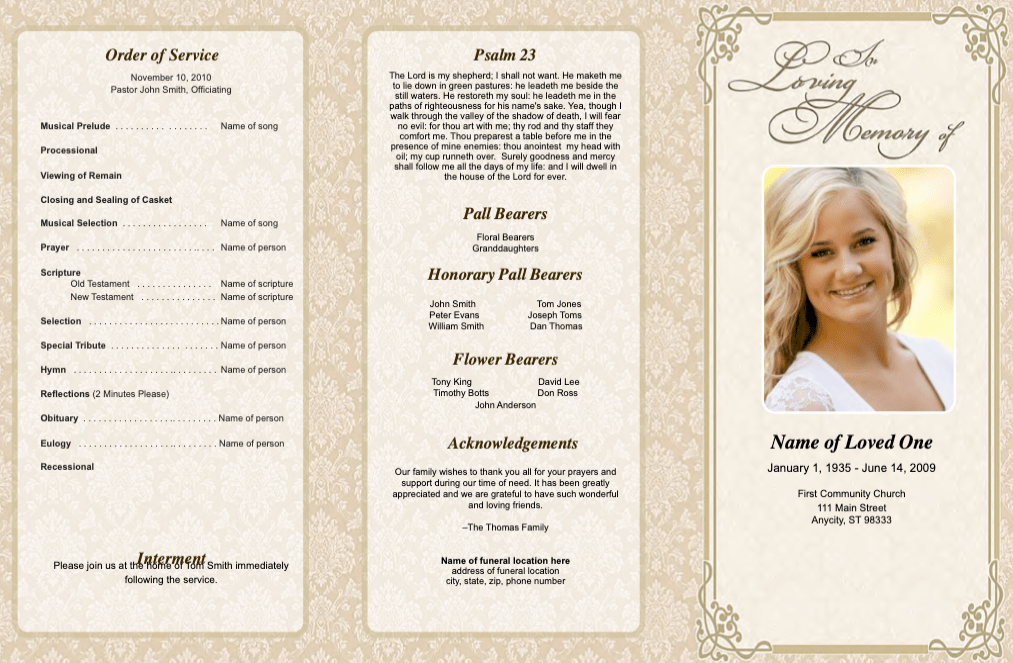
Order of Service / Program Flow
-
Welcome or opening remarks
-
Musical selections or hymns / songs
-
Readings, prayers, or scriptures
-
Eulogies or tributes (who is speaking)
-
Special elements (photo slideshow, video, symbolic acts)
-
Closing or benediction
-
-
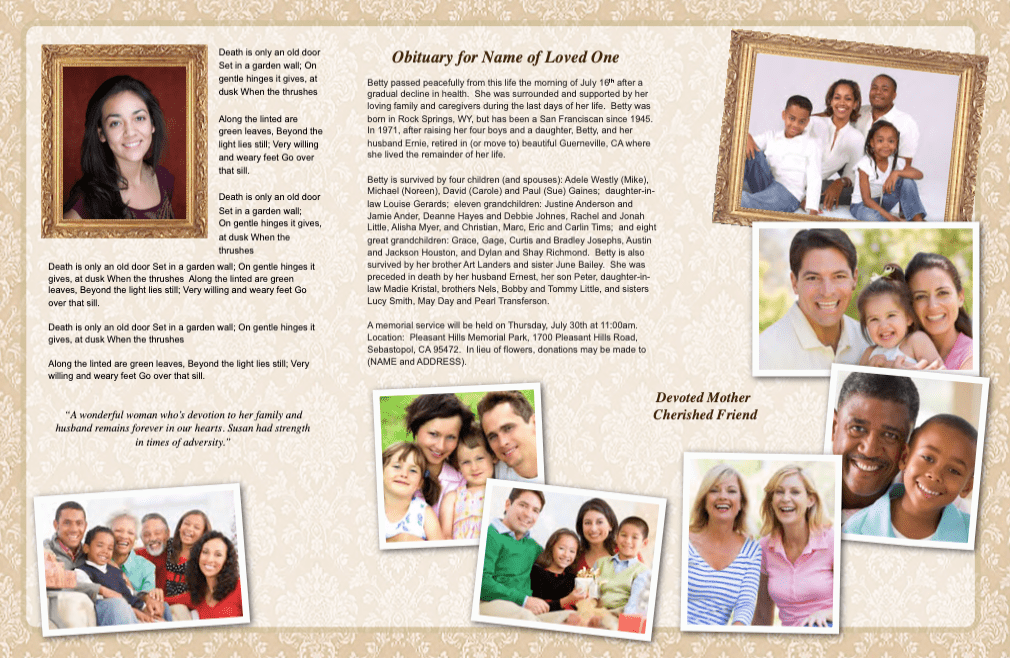
Biography / Life Sketch
-
Key life events: birthplace, education, career, community or faith involvement
-
Close family—survivors and those who preceded in passing
-
Personal qualities, passions, hobbies—things that made them who they were
-
-
Photos / Visual Elements
-
Additional photos inside beyond the cover: life moments, interactions, candid shots
-
If possible, collages or grouped images to show timeline or interests
-
Captions or short notes may be included where helpful
-
-
Reading / Poems / Quotes
-
Spiritual or religious passages, if applicable
-
Favorite poems, literary quotes, or personal sayings that resonated with the deceased or the family
-
-
Acknowledgments / Gratitude
-
Thanking those who provided care (medical staff, caregivers)
-
Thanks to officiants, musicians, friends, and family who helped plan or support
-
-
Practical Information / Extras
-
Time, venue, reception or gathering information afterward
-
Contact info or where people can send condolences
-
Optional note about donations in lieu of flowers or memorial charities
-
-
Closing / Final Message
-
Perhaps a favorite saying or poem, a gentle farewell, or blessing
-
A note of thanks to attendees for being present
-
Using Your Planning Tools: Spreadsheets & Mockups
You provided two valuable tools: a Google Sheets file and a Google Drawings mockup. Here’s how to use them effectively:
-
Sheets (Content Planning / Checklist)
Use the spreadsheet as the central repository for all content: names, dates, readings, songs, speaker list, photo file names, contact info, acknowledgments. Assign who provides which piece, mark status (pending / confirmed), ensure all necessary content is gathered ahead of time. This reduces last-minute stress and omission. -
Drawings (Layout Mockup / Visual Planning)
Use the drawing tool to sketch your brochure layout. Roughly place where the cover photo will go, where order of service section lands, where biography, photos, readings will sit. It helps you test spacing, how photos interact with text, whether any section feels cramped. Adjust before the final design so you can see what might not work visually.
Combining the content checklist with a visual mockup helps ensure both the text you need and the layout you want are aligned. You can see if, for example, the text for “Order of Service” is too long for the space allotted or if you need to reduce or move certain sections.
Design Tips & Best Practices
Here are design practices that often come up as essential in guides to funeral brochures:
-
Use simple, legible fonts (classic serif or simple sans serif) so reading is easy, especially for those who may have difficulty seeing. Reeder-Davis Funeral Home+2Printivity+2
-
Stick to a calm, respectful color palette. Muted tones, neutral backgrounds, soft accents often help maintain solemnity and readability. Reeder-Davis Funeral Home+1
-
Ensure photo quality is good: high resolution, well-lit, emotional resonance. Low-quality photos can detract from the memorial feeling. Reeder-Davis Funeral Home+1
-
Balance text and visuals. Too much text makes a brochure feel heavy; too many photos with little text might not give enough information. The mockup helps test that balance. Reeder-Davis Funeral Home+1
-
Leave breathing room (white space) so sections are distinct and easy to navigate. Margin and padding help with this. Montgomery & Steward+1
-
Proofread carefully; check spelling of names, dates, titles. Mistakes in a memorial program are painful later. Printivity+1
About Funeral Program Site Brochures
The Funeral Program Site offers templates, design advice, and examples to help families create beautiful brochures. Their resources often come with flexible templates (both for content and layout), so you can adapt them to match the tone, style, and cultural preferences of your loved one’s service.
With use of your spreadsheet and mockup drawing, you can adapt those templates (from Funeral Program Site) more efficiently: plugging in content, arranging photos, adjusting layouts with the layout mockup, then checking off content items from the spreadsheet for completeness.
Workflow Summary: From Planning to Finished Brochure
Here’s a step-by-step workflow combining the content tools and design tips, using Funeral Program Site templates:
-
Gather All Content First
Use the Sheets to list everything: names, photos, quotes, readings, songs, careers, family names. -
Select a Template / Layout
With a mockup drawing in hand, choose a layout that matches how much content you have. -
Fill in Draft Content
Insert biography, order of service, readings, photos into the template. -
Mockup Review
Using the drawing, preview layout: does cover photo look right? Do sections align? Are margins okay? -
Proof & Edit
Check all text for correctness. Confirm photo names, dates, speakers. Ensure all content planned in the sheet is used or intentionally omitted. -
Finalize Design
Choose paper, finishes. Determine fold types or booklet style. Consider printing or digital distribution. -
Print / Distribute
Order enough copies (plus extras for keepsakes). Provide digital version if needed. Make brochures available to guests as they arrive.