The Ultimate Guide to Printing Funeral Programs at Home

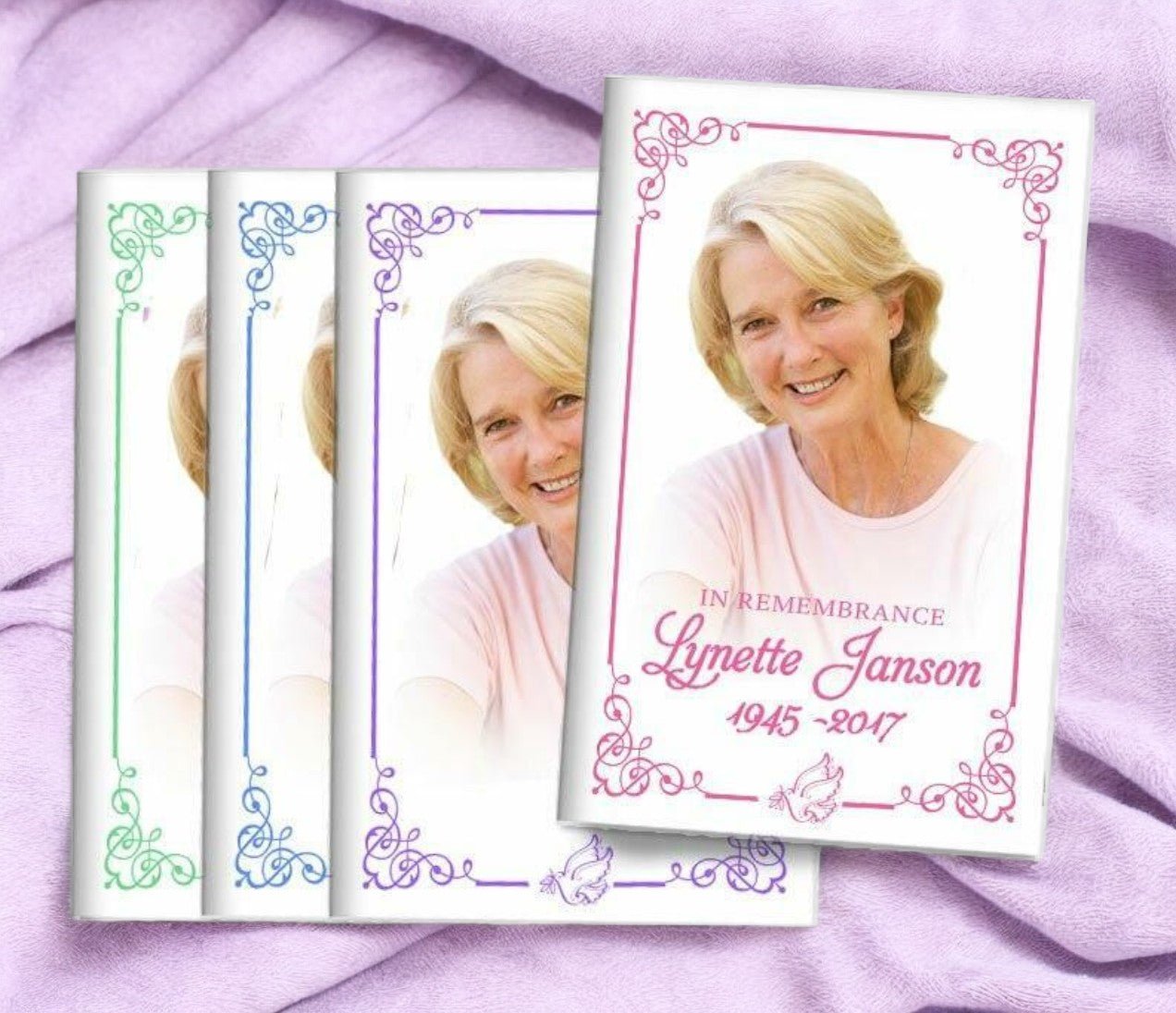
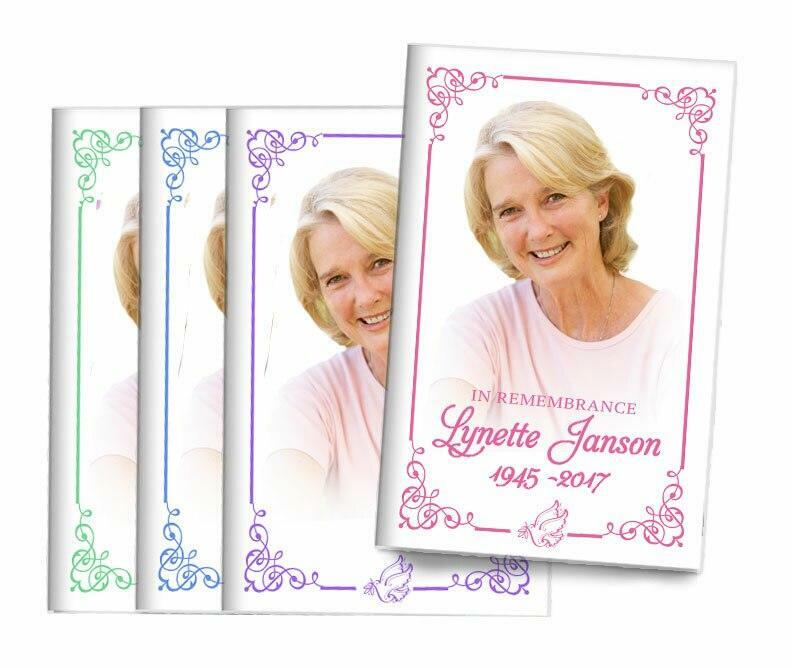
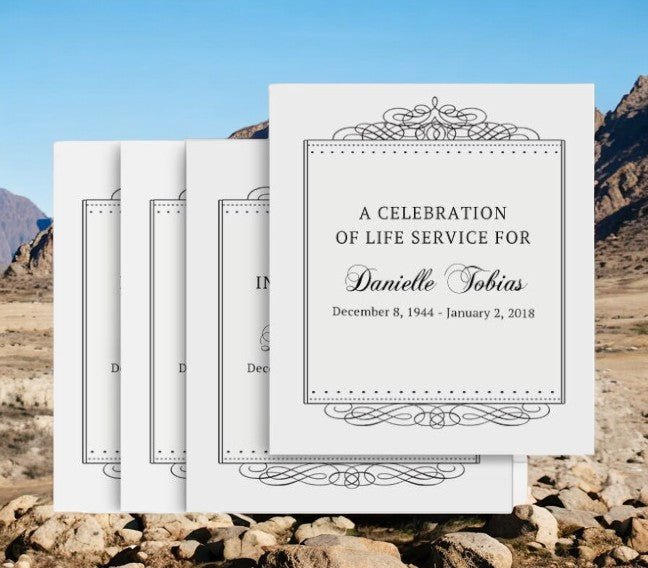
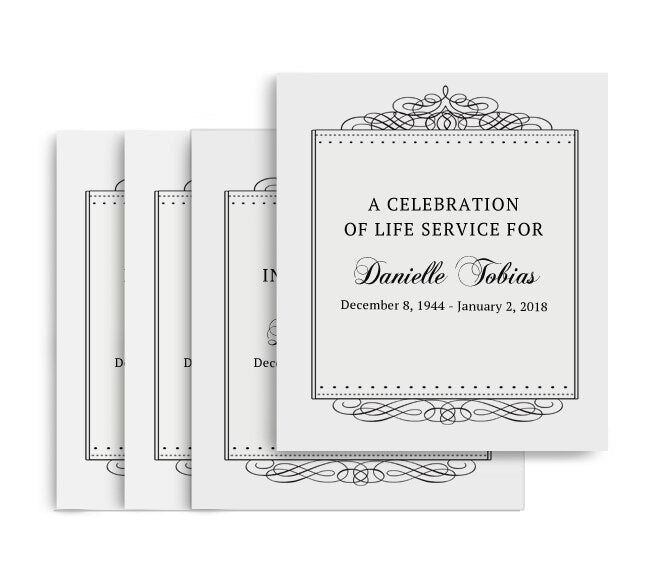
At The Funeral Program Site, families find comfort in creating meaningful and personalized memorials. One of the most treasured keepsakes from a service is a well-designed funeral programs. These printed pieces not only guide guests through the service, but they serve as lasting reminders of a life well lived. In this guide, we’ll walk through everything you need to know about printing funeral programs at home—step by step, with best practices, design tips, and common pitfalls to avoid.
Why Printing Funeral Programs at Home Matters
Printing your own funeral programs can be a deeply personal experience. Rather than sending a job out to a commercial printer, doing it yourself allows you to oversee every detail—from the wording and photos to the paper and finish. It can also be a cost-effective option during a time when expenses may already feel overwhelming. With a home printer and a little guidance, you can create professional-looking memorial pieces that honor your loved one beautifully.
Whether you have a background in design or are starting from scratch, today’s software tools make it easier than ever to create stunning printed programs. But it’s not just about aesthetics. Funeral programs carry important information: the order of service, musical selections, scripture readings, eulogies, tributes, photos, and more. A well-printed program becomes a cherished keepsake for family and friends, preserving precious memories for years to come.
Choosing the Right Template for Your Funeral Program
Before you begin printing, you’ll need a layout that reflects the personality and legacy of your loved one. Many people choose templates that balance elegance with readability. You can find templates in word processors like Microsoft Word or design platforms like Canva. Just make sure that your template offers space for all essential elements:
- A cover photo and name
- Date of birth and date of passing
- An order of service
- Poems, scriptures, or meaningful quotes
- Photographs from meaningful moments
- Acknowledgements or thank-you notes from the family
Once your content is ready, you’ll be prepared to finalize and print your design. Some people choose to print a few samples first to make sure alignment and color are just right before printing the full set of funeral programs for the service.
What Software Works Best for Designing Funeral Programs?
You don’t need expensive design software to create beautiful funeral programs. Here are a few accessible options:
- Microsoft Word: Great for straightforward designs, especially if you’re comfortable with text formatting and insertion of images.
- Canva: A drag-and-drop design tool with many free templates that can be customized for memorial occasions.
- Adobe InDesign: A professional choice if you want total control over layout and typography.
- Google Docs: A simple option if you need to collaborate with family members in remote locations.
Once your design is complete, save it as a high-resolution PDF for printing. This ensures your layout and images stay crisp and look professional when printed on paper of choice.
Selecting the Right Paper and Printer Settings
The paper you choose will have a big impact on how your funeral programs look and feel. You want something sturdy but not overly thick, and smooth enough to support good image quality. Here’s what to consider:
- Paper weight: A range between 80 lb to 100 lb text paper is often recommended for programs.
- Finish: Matte finishes reduce glare and make text easier to read, while satin or glossy finishes make photos pop.
- Color mode: If your program includes photos, set your printer to its highest quality color mode.
Adjust your printer settings before printing: choose “best quality” and select the right paper type from the print dialog. Also, consider whether duplex printing is necessary for fold-over programs. Making these adjustments ensures that your funeral programs look professional and polished.
Step-by-Step Printing Process
Here’s a simple process to follow when you’re ready to print at home:
- Test Print: Always start with a test print on plain paper. This allows you to check alignment, margins, and color balance.
- Check Layout: Make sure important text isn’t too close to the fold or edge of the paper.
- Choose Paper: Load the selected paper into your printer tray. Ensure it’s facing the correct side for printing.
- Print in Batches: Print a few at a time so you can catch mistakes early.
- Quality Check: After printing, check each batch for smudges or misprints. Re-print if necessary.
Once complete, fold your programs neatly and set aside in a safe place until the service. Keep extras for guests who may want a copy after the event. Organizations often appreciate having a few on hand in case attendance is larger than expected.
Timing and Quantity: How Many to Print?
Determining how many programs to print can be tricky, especially if you’re unsure of final headcount. Here are a few guidelines:
- Estimate Attendance: Use your guest list as a starting point, then add an extra 10–15% for unexpected attendees.
- Family Copies: Set aside a few for immediate family members and close friends who want a keepsake.
- Venue Needs: If your service is larger or at a public location, print a few additional copies for ushers, volunteers, or staff who may need them.
If you’re still unsure, it’s better to have a handful of extra funeral programs than to run short. It’s also worth printing a few spare copies for family members who couldn’t attend but may want one later as a keepsake.
Common Mistakes to Avoid When Printing at Home
Printing at home gives you flexibility, but it also introduces opportunities for avoidable errors. Here are some common mistakes and how to avoid them:
1. Ignoring Proofreading
Typos and errors in names, dates, or messages can be painful reminders of an already emotional time. Always proofread your text carefully. Have another set of eyes review the content before you hit print.
2. Using Poor-Quality Images
Low-resolution photos can look pixelated when printed. Always use high-quality, high-resolution images in your design. If you’re scanning old photos, scan at a high DPI (300 or more) for the best results.
3. Forgetting to Check Printer Ink Levels
Running out of ink mid-print can ruin pages and waste expensive paper. Check ink levels and have spare cartridges ready before printing.
4. Rushing the Process
When families are under stress, it’s tempting to rush through steps. Instead, take a deep breath and plan ahead. Printing a few days in advance ensures time for adjustments if needed.
Creative Ideas for Personalizing Your Funeral Programs
Your printed programs can be more than just informational—they can tell a story. Here are some creative elements you might include:
- A Timeline of Life Events: Highlight milestones like graduations, marriages, important travels, or community service.
- Tributes or Quotes: Include meaningful verses, poems, or personal messages from loved ones.
- Photo Collages: Instead of single photos, consider curated collages of happy moments.
- Favorite Songs or Hobbies: Include a list of favorite songs, hobbies, or interests that were important to your loved one’s identity.
These personal touches make your printed funeral programs cherished keepsakes, reminding family and friends of the joy and legacy represented by the life being celebrated.
After the Service: Saving and Sharing Your Funeral Programs
After your home-printed programs have served their purpose, consider how you’ll preserve them. Some families choose to:
- Create a memory box with programs, photos, and cards
- Scan the printed programs to share digitally with family members
- Include programs in obituary keepsakes or remembrance books
- Distribute extras to distant relatives who couldn’t attend
Your thoughtful effort in printing these programs at home will be appreciated for years to come. They’re not just pieces of paper—each one captures the essence of a life cherished and remembered.
Conclusion
Printing funeral programs at home is a meaningful, personal way to honor your loved one while maintaining control of every emotional and practical detail. With careful planning, thoughtful design, and attention to detail, your home-printed memorial pieces will be both functional and beautiful. From choosing the right template and paper to printing and distributing at the service, this comprehensive guide sets you up for success. Remember, this effort is a labor of love, creating a lasting tribute that family and friends will treasure.