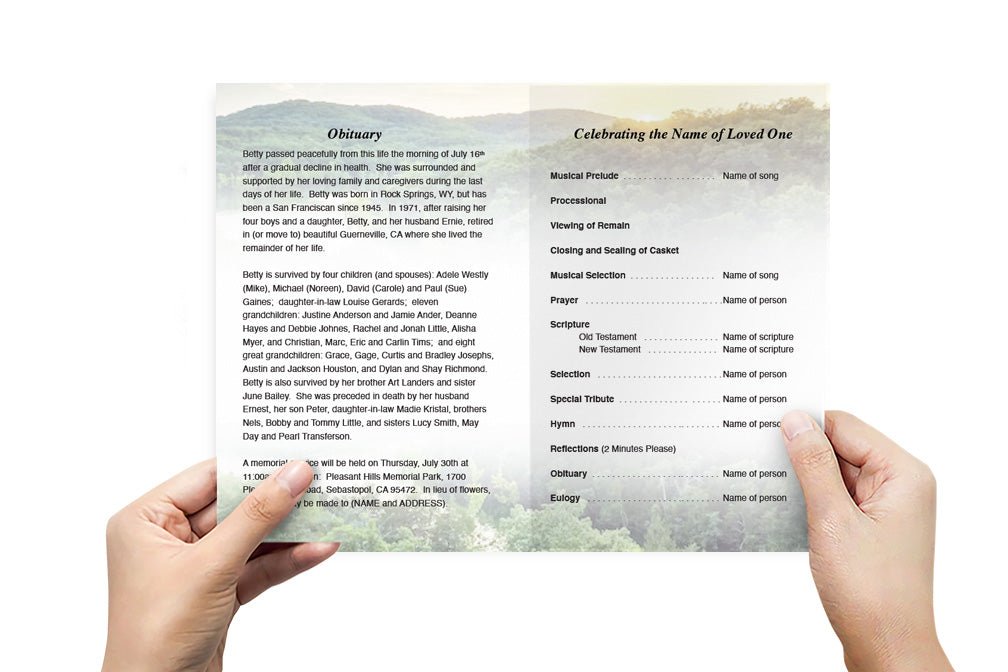
What Apps Can I Use to Make a Funeral Program?

Creating a funeral program is an important step in the process of memorializing a loved one. A well-designed program serves as both a guide for the service and a lasting tribute to the deceased. With technology evolving, many apps and online platforms now make it easier than ever to create personalized and professional-looking funeral programs. Whether you're looking for a simple, printable version or a fully customizable digital program, there are several great options available to suit your needs.
In this article, we’ll explore the best apps and platforms you can use to create a funeral program, along with features, ease of use, and customization options. Let’s dive into the best tools that can help you design a meaningful funeral program.
1. The Funeral Program Site
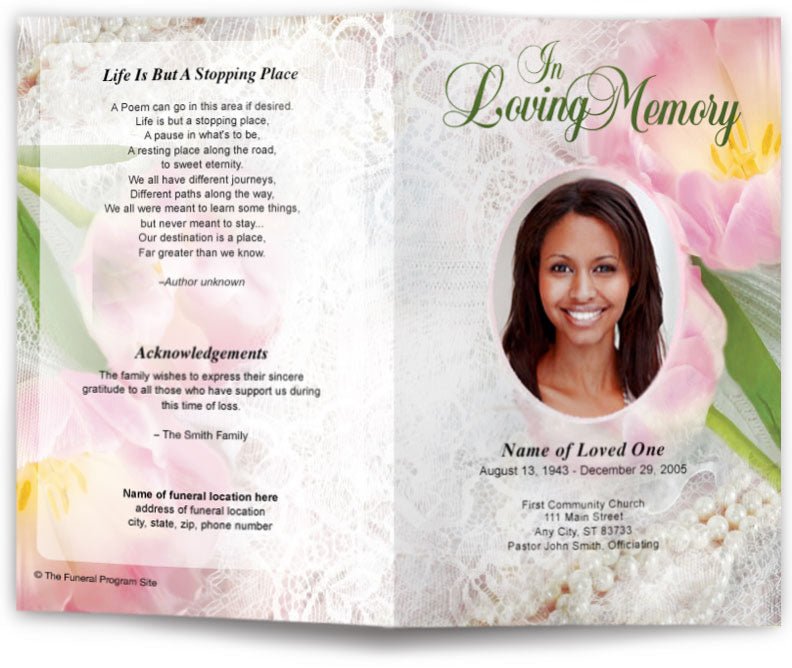
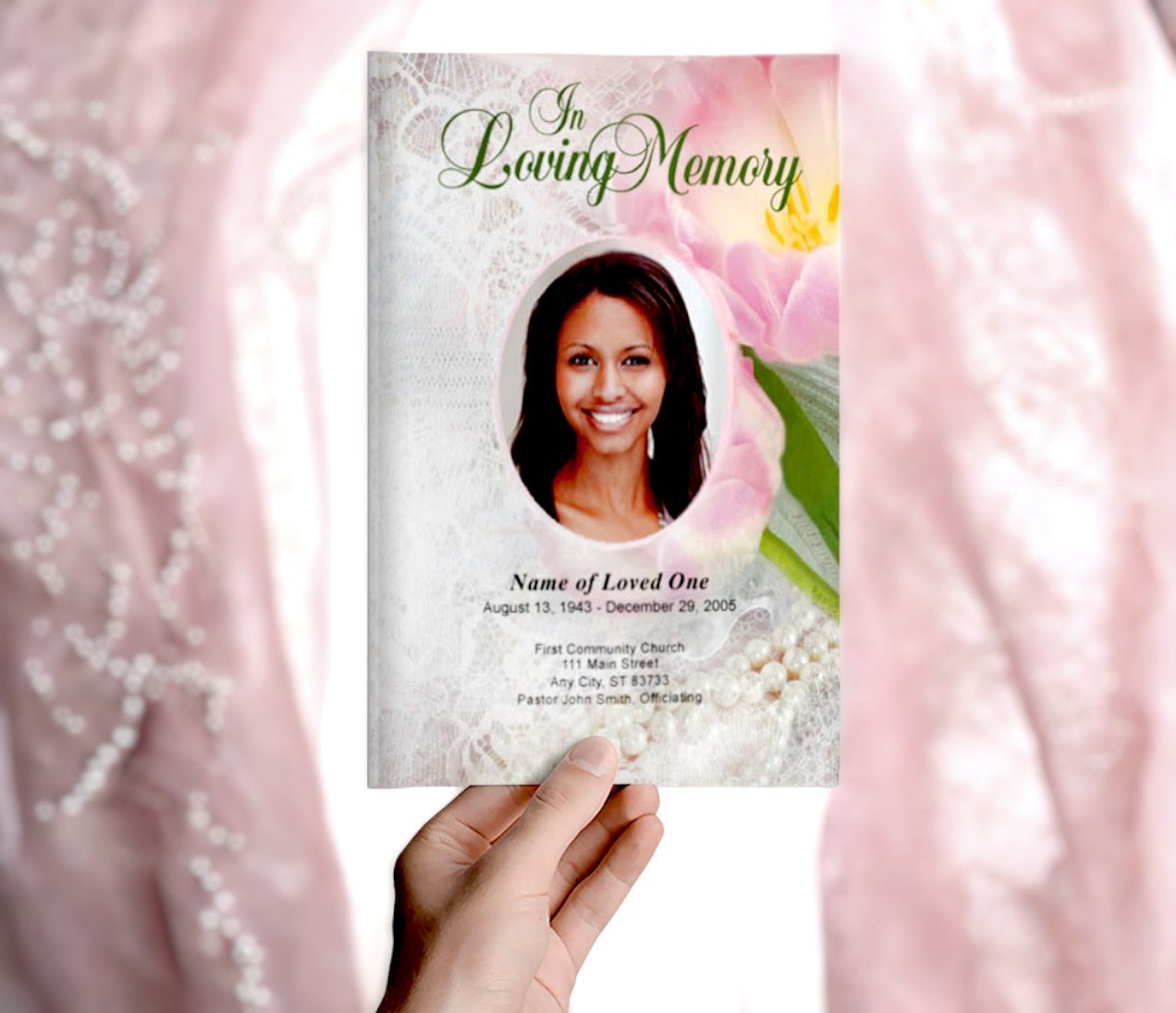
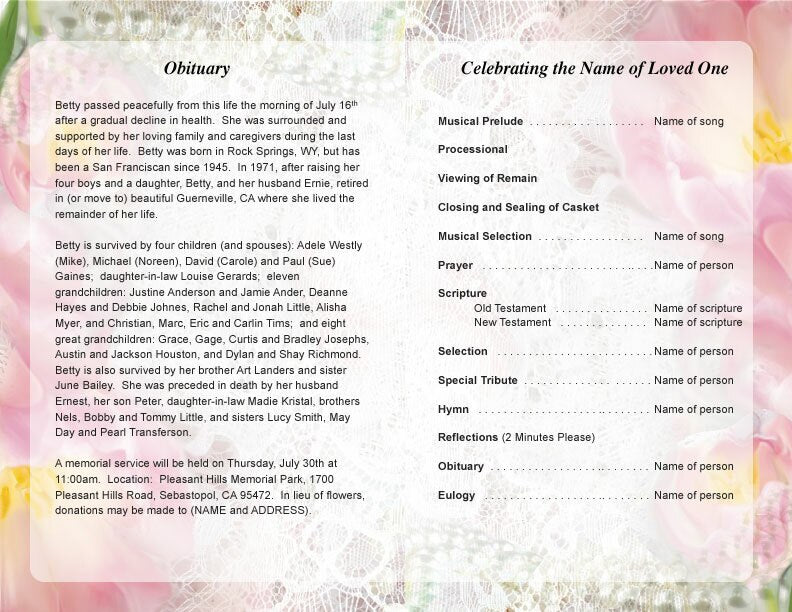
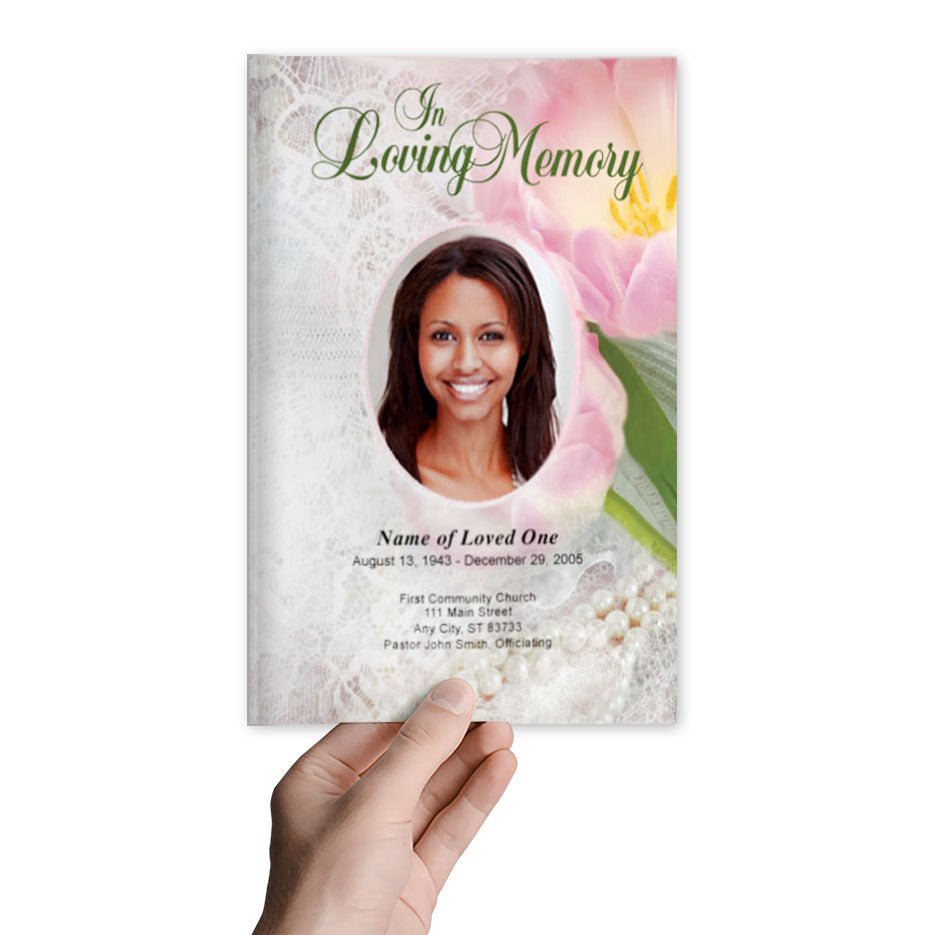
The Funeral Program Site is one of the leading platforms for designing and printing funeral programs. It offers an easy-to-use online tool for creating both print and digital programs that can be personalized with photos, text, and themes.
Key Features:
-
Customizable Templates: Choose from a variety of pre-designed templates, which you can modify to match the style and tone of the memorial service.
-
User-Friendly Interface: You don’t need graphic design experience to use this platform. It allows you to drag and drop images, adjust text, and choose colors that reflect the deceased's personality.
-
Print and Digital Options: Once you’ve designed your funeral program, you can download it as a digital file or send it to be professionally printed.
-
Family-Friendly: The platform is easy to navigate, making it suitable for all family members to help with the design process. You can even share the program with other family members for collaborative input.
For more details and to start designing, visit The Funeral Program Site to explore the wide range of templates and design tools.
2. Canva
Canva is a popular app known for its intuitive interface and vast array of customizable templates. It’s ideal for creating a personalized funeral program that stands out with professional-quality design.
Key Features:
-
Drag-and-Drop Design: Canva offers an easy drag-and-drop interface for customizing templates, adding photos, text, and other design elements.
-
Pre-Designed Templates: Canva has various templates specifically for funeral programs, which can be fully edited to reflect the theme or personality of the service.
-
Collaboration: You can share your project with others to work collaboratively. This is helpful if you have family members or close friends who want to contribute.
-
Free and Paid Plans: While Canva offers many free tools, a paid plan provides access to premium features and designs, including more advanced fonts, images, and templates.
To get started with Canva, visit Canva's Funeral Program Templates.
3. Adobe Spark
Adobe Spark is another excellent app for designing professional funeral programs, offering a variety of templates that are highly customizable.
Key Features:
-
Easy-to-Use Design Tools: Adobe Spark’s design tools allow you to create visually striking programs with ease. You can add custom images, text, and adjust the layout to your liking.
-
Template Library: It offers a range of pre-made templates tailored for memorial services, which can be adjusted to meet specific needs.
-
Branding Options: If you're designing a funeral program for a larger organization or want to ensure the program aligns with specific themes, Adobe Spark allows for advanced customization of logos and color schemes.
-
Integration with Adobe Suite: For users familiar with other Adobe products, Adobe Spark seamlessly integrates with Adobe Creative Cloud for advanced editing.
Start designing by visiting Adobe Spark.
4. Microsoft Word or Google Docs
While these are not dedicated design tools, Microsoft Word and Google Docs can be used to create simple but effective funeral programs. Both platforms allow you to design a program using templates, or you can start from scratch using basic design tools.
Key Features:
-
Templates: Both Microsoft Word and Google Docs offer basic funeral program templates, which you can easily customize to suit your needs.
-
Text-Based Design: These platforms focus on text-based design, so while they may lack advanced graphic design options, they’re perfect for creating straightforward programs with minimal customization.
-
Collaboration: Google Docs allows for easy sharing and real-time collaboration, making it a great option for working with family members or close friends.
If you prefer a simple approach, you can start by using the Microsoft Word Funeral Program Templates or Google Docs Templates.
5. Funeral Program Templates (via Neocities)
For those looking for a free and straightforward option, the Funeral Program Templates on Neocities offer easy-to-edit templates that can be customized with your personal touch.
Key Features:
-
Free and Accessible: This platform offers free funeral program templates, making it a great option for families on a budget.
-
Easy Customization: You can easily update text, upload images, and change the layout of the program to suit your needs.
-
No Design Skills Needed: This platform is user-friendly and does not require advanced design skills to get started.
Explore free templates by visiting Funeral Program Templates on Neocities.
6. Evite (for Digital Programs)
Evite is traditionally known for sending invitations, but it also offers digital funeral programs that can be shared easily with family and friends. It’s a convenient option for families who want to share the program with attendees remotely.
Key Features:
-
Digital Programs: Ideal for virtual or hybrid memorial services, Evite allows you to create a digital funeral program that can be emailed or shared via social media.
-
Simple Design: While not as customizable as other design apps, Evite allows for quick creation and easy sharing of digital programs.
-
Free and Paid Options: Evite offers a basic free option, with additional features available in their paid plan.
Visit Evite Funeral Programs to create a digital funeral program quickly.
Conclusion
Creating a funeral program online has never been easier, thanks to the many apps and platforms available. Whether you prefer a professionally designed program from The Funeral Program Site, or want to design your own using Canva or Adobe Spark, there is a tool for every need. These platforms not only help you create a beautiful, personalized funeral program, but they also allow you to print it, share it digitally, or collaborate with other family members during the design process.
For a hassle-free, all-in-one solution, The Funeral Program Site offers customizable templates that can be printed or shared digitally, ensuring your program reflects the personality and legacy of the deceased. To get started, visit The Funeral Program Site and explore a range of templates and design tools tailored to suit your needs. You can also find more options and customizable templates by visiting Funeral Program Templates.